End-to-End Encryption Meaning in WhatsApp: 25+ Powerful Facts About Privacy & Backups
End-to-End Encryption Meaning in WhatsApp explained: Learn how messages, calls, backups, and privacy work, plus key security risks.
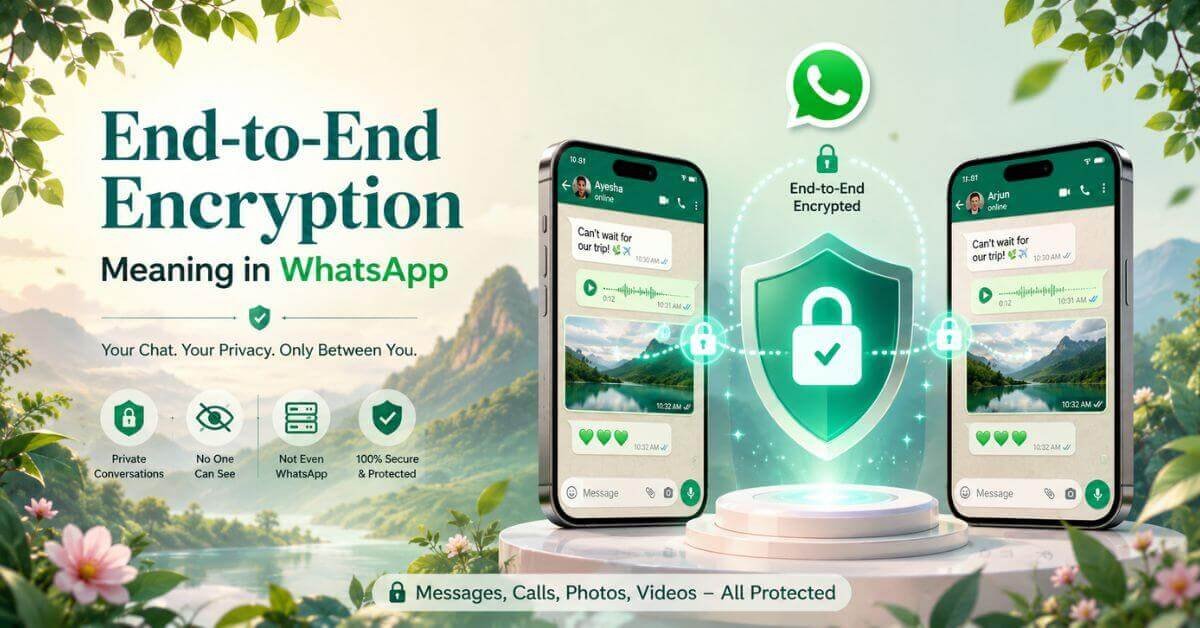
End-to-End Encryption Meaning in WhatsApp refers to a security feature that protects the content of your personal messages and calls so that only the communicating participants can read or hear them.
If you have noticed an encryption notice inside a WhatsApp chat, it means your conversation has an extra layer of privacy protection. But does this mean nobody can ever access your messages? Not exactly.
Encryption protects message content, but your phone, account, backups, and the person receiving your messages still matter. Understanding how WhatsApp encryption works helps you make better decisions about your privacy.
Here, you’ll learn what the notice means, how messages are protected, what encryption cannot prevent, and which settings deserve your attention.
End-to-End Encryption Meaning in WhatsApp
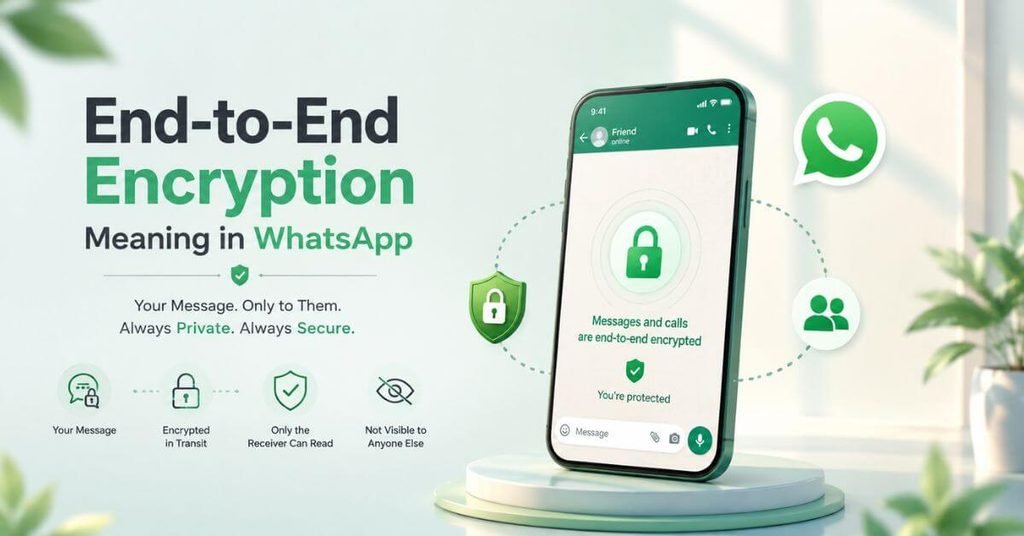
- Simple definition: End-to-end encryption (E2EE) converts readable messages into encrypted data that only the intended participants’ devices can decrypt.
- Sender and recipient: The sender writes a message, and the recipient receives its readable content after the appropriate decryption process.
- Private communication: Encryption helps prevent unauthorized parties from reading message content while it travels between communicating devices.
- WhatsApp’s purpose: This technology helps protect personal conversations, calls, photos, videos, documents, and other supported communications.
- Encryption notice: The message displayed in a chat explains that the conversation is protected by end-to-end encryption.
- Important distinction: Encryption protects content, but it doesn’t automatically hide every detail about your account or guarantee complete anonymity.
Takeaway: E2EE protects the contents of supported conversations, not every aspect of your digital privacy.
How WhatsApp Encryption Works
- Writing a message: You type a normal message, also called plaintext, on your phone.
- Encryption process: WhatsApp uses cryptographic technology to turn the message into unreadable ciphertext before it is transmitted.
- Secure transmission: The encrypted data travels through the network without exposing its readable content to ordinary interception.
- Recipient’s device: The recipient’s device uses the appropriate cryptographic keys to decrypt the message and display its original content.
- Encryption keys: Public-key and other cryptographic techniques help establish secure communication without requiring users to manage every technical step themselves.
- Message protection: Authentication and integrity mechanisms help protect communications against certain forms of impersonation and unauthorized alteration.
Example: Imagine sending your friend a private message about a surprise birthday party. Someone intercepting the encrypted transmission should not be able to read the message simply by capturing the data.
Tip: Think of encryption as protecting the message while it travels, rather than making the entire phone impossible to access.
WhatsApp Messages, Calls and Media Protection
- Text messages: Supported personal and group messages receive end-to-end encryption, helping protect their contents from unauthorized reading during transmission.
- Photos and videos: Shared media is protected as part of supported encrypted conversations.
- Voice messages: Audio messages receive the same general content protection when sent through supported encrypted chats.
- Voice and video calls: WhatsApp’s personal calls are end-to-end encrypted, protecting call content against unauthorized interception.
- Group conversations: Group messages are protected by E2EE, although each participant can still share or save received content.
- Metadata: Information such as communication timing, account details, or network information may still be available in certain contexts.
Insight: An encrypted conversation can still leave some information visible, even when outsiders cannot read its message content.
WhatsApp Encryption vs. Regular Encryption
- End-to-end encryption: Protects communication content so that only the intended endpoints can decrypt it.
- Transport Layer Security (TLS): Protects data travelling between a client and a server, but the server may access readable content depending on the service design.
- Point-to-point encryption (P2PE): Protects data between designated points, commonly in payment processing systems.
- Standard encryption: This broad term can describe different methods, so its actual protection depends on where encryption begins and ends.
- Main difference: E2EE is designed to prevent the service provider from reading protected message content while it remains end-to-end encrypted.
- Practical meaning: An encrypted connection to a website doesn’t necessarily provide the same privacy as an end-to-end encrypted conversation.
Takeaway: The word encrypted alone doesn’t tell you who can decrypt information or where the protection ends.
Benefits of WhatsApp End-to-End Encryption
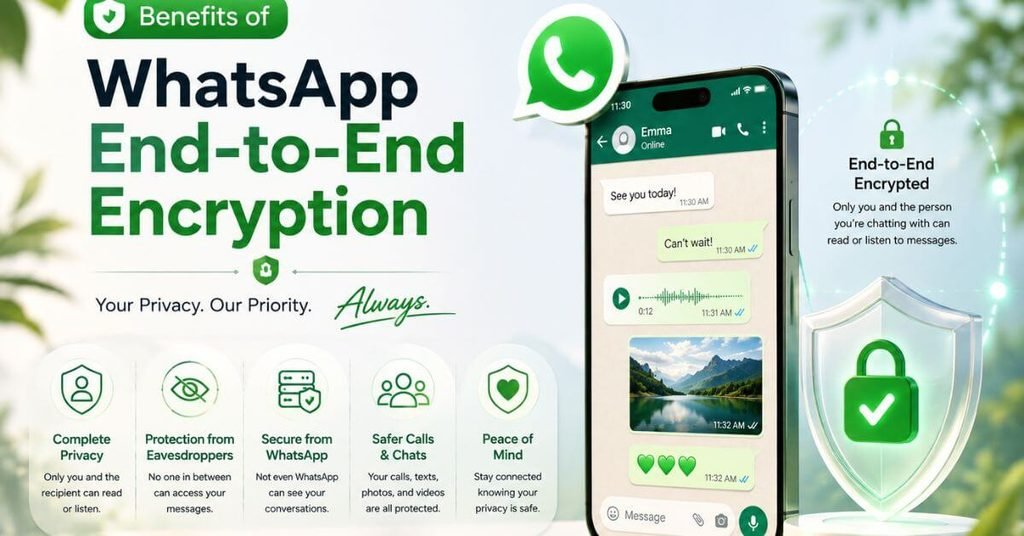
- Better privacy: Helps keep personal conversations confidential from unauthorized parties intercepting the communication.
- Protection for sensitive messages: Adds security when discussing personal matters, family concerns, or other private information.
- Reduced interception risks: Makes captured network traffic much less useful to someone trying to read protected messages.
- Secure media sharing: Helps protect the contents of photos, videos, documents, and supported calls.
- Greater confidentiality: Reduces the ability of intermediaries to read protected content during transmission.
- Everyday convenience: Users benefit from encryption without needing to manually encrypt each ordinary personal message.
Tip: Encryption is particularly useful for private communication, but sensitive information should still be shared thoughtfully.
Limitations and Security Risks
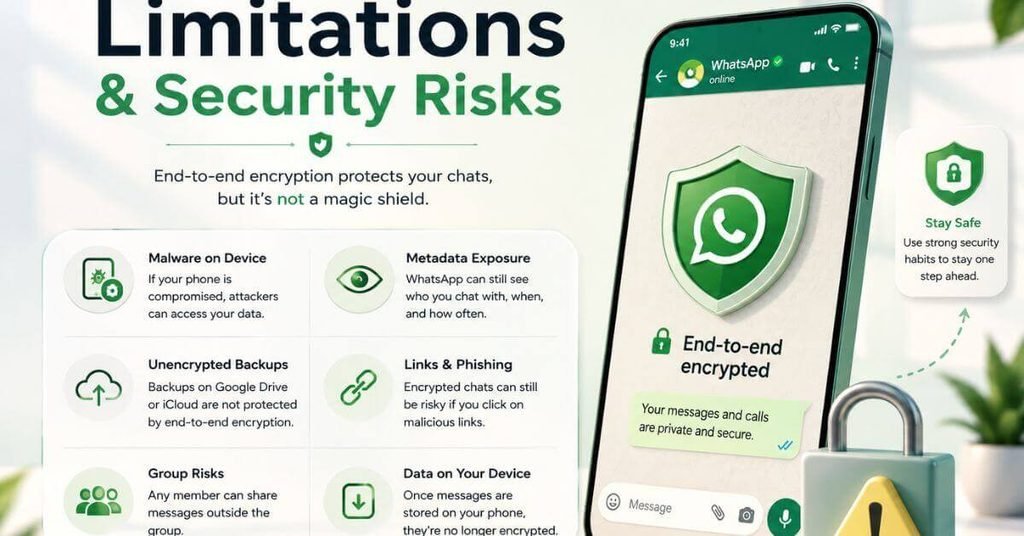
- Compromised devices: Malware or unauthorized access to an unlocked phone may expose messages after they have been decrypted.
- Account security: Someone who gains access to your account or a linked device may create additional privacy risks.
- Screenshots and forwarding: Recipients can save, photograph, copy, or share information you send them.
- Metadata exposure: Encryption does not necessarily conceal all information about when, how, or between which accounts communication occurs.
- Backup differences: Cloud backups may have different protection depending on the backup service and selected settings.
- No guarantee: E2EE reduces certain risks but cannot prevent every cyberattack, security mistake, or form of surveillance.
Insight: Strong encryption cannot protect information from every threat, especially when the receiving device or account is compromised.
What WhatsApp Can and Cannot Read
- Protected content: WhatsApp is designed so it cannot ordinarily read the contents of properly end-to-end encrypted personal messages in transit.
- Recipients retain access: The people in a conversation can read their messages because their devices are intended to decrypt the content.
- Device access matters: Someone with access to an unlocked phone may be able to view messages already displayed on the screen.
- Backups are separate: The protection of stored copies depends on how backups are configured and protected.
- Other information: Account details, reports, and certain metadata may be handled differently from encrypted message content.
- Avoid absolute claims: End-to-end encryption doesn’t mean WhatsApp collects no information or that every form of user data is inaccessible.
Takeaway: Message confidentiality and complete platform privacy are different things.
WhatsApp Encrypted Backups and Security Codes
- Backup meaning: A WhatsApp backup stores a copy of chat history so it can potentially be restored later.
- Separate protection: End-to-end encrypted backups add protection to supported backup copies stored outside the ordinary chat exchange.
- Backup password: Depending on the available setup, you may use a password or encryption key to protect and recover an encrypted backup.
- Recovery responsibility: Losing the required credentials can make an encrypted backup difficult or impossible to recover.
- Security codes: WhatsApp security codes help users verify that their conversation’s encryption is associated with the intended contact.
- Code changes: A security-code notification can occur when someone changes phones, reinstalls WhatsApp, or changes a linked device; it doesn’t automatically prove hacking.
Tip: Review your backup settings and keep recovery credentials somewhere safe and private.
End-to-end encryption protects message content, while settings such as WhatsApp Last Seen help you manage who can view your activity.
Managing WhatsApp Encryption Settings
- Check backup options: Open WhatsApp settings and look for the chat backup and end-to-end encrypted backup options.
- Enable backup encryption: If available, follow the app’s instructions to set up protection for your backup.
- Manage existing protection: You may be able to change or disable encrypted backup protection through the available settings.
- Verify contacts: When appropriate, open a chat’s contact information and locate its encryption or security-code verification option.
- Protect your account: Enable two-step verification and review linked devices for sessions you don’t recognize.
- Know the difference: Ordinary personal WhatsApp messages cannot simply have their built-in end-to-end encryption switched off; backup settings are separate.
Takeaway: Focus on the settings you control rather than looking for a switch to disable ordinary chat encryption.
Everyday Ways to Strengthen WhatsApp Privacy
- Lock your phone: Use a strong passcode and an appropriate screen-lock method.
- Update your software: Keep WhatsApp and your phone’s operating system updated to receive security improvements.
- Review linked devices: Remove unfamiliar devices and sign out of sessions you no longer need.
- Protect verification codes: Never share login or verification codes with people who contact you unexpectedly.
- Secure backups: Understand your backup settings and protect any passwords or encryption keys required for recovery.
- Check suspicious activity: Be cautious of unexpected links, unusual login requests, and messages asking for sensitive information.
Tip: Small security habits help protect the devices and accounts that encryption alone cannot secure.
My Practical Experience
One useful observation when learning about WhatsApp privacy is that the encryption notice can sound more complicated than the feature itself. The real confusion often begins when people assume that encrypted messages automatically mean encrypted backups, hidden metadata, and complete account security. These are separate issues worth checking individually. Understanding that distinction makes it easier to interpret security notifications, choose appropriate backup settings, and recognize why a strong phone lock still matters. The most useful approach is to combine encryption with sensible account and device protection rather than relying on one feature alone.
For an extra layer of privacy on your phone, learn how WhatsApp Chat Lock helps keep selected conversations out of your main chat list.
Frequently Asked Questions
Is WhatsApp end-to-end encrypted by default?
Yes. Ordinary personal WhatsApp messages and calls are end-to-end encrypted by default. This protection helps prevent unauthorized parties from reading or listening to the communication while it travels between participants.
Can WhatsApp read my encrypted messages?
WhatsApp is designed so that it cannot ordinarily read the contents of properly end-to-end encrypted personal messages in transit. However, device access, user reports, backups, and other information involve separate considerations.
Can end-to-end encryption be hacked?
Strong encryption is designed to resist unauthorized decryption, but no security system is perfect. Attackers may instead target devices, accounts, passwords, or users to gain access to readable information.
Does WhatsApp encryption protect photos, videos, and calls?
Yes. Supported personal messages, shared media, and voice and video calls receive end-to-end encryption. However, recipients can still save or share content, and compromised devices may expose it.
Can I turn off end-to-end encryption on WhatsApp?
You cannot simply disable the built-in end-to-end encryption for ordinary personal chats. However, WhatsApp provides separate settings for managing end-to-end encrypted backups where the feature is available.
Conclusion
End-to-End Encryption Meaning in WhatsApp comes down to protecting the content of your private conversations so that only the intended participants can read or hear them. It provides an important layer of communication security, but it doesn’t make every device, account, or backup completely secure.
For better privacy, use a strong phone lock, keep your software updated, review linked devices, and check your encrypted backup settings. Be thoughtful about what you share because recipients can still save or forward your messages.
Understanding both the strengths and limitations of WhatsApp encryption helps you make smarter decisions about your digital privacy without assuming that any single security feature can protect everything.