What Does Restricted Mean On Facebook? 20+ Essential Privacy Guide 2026
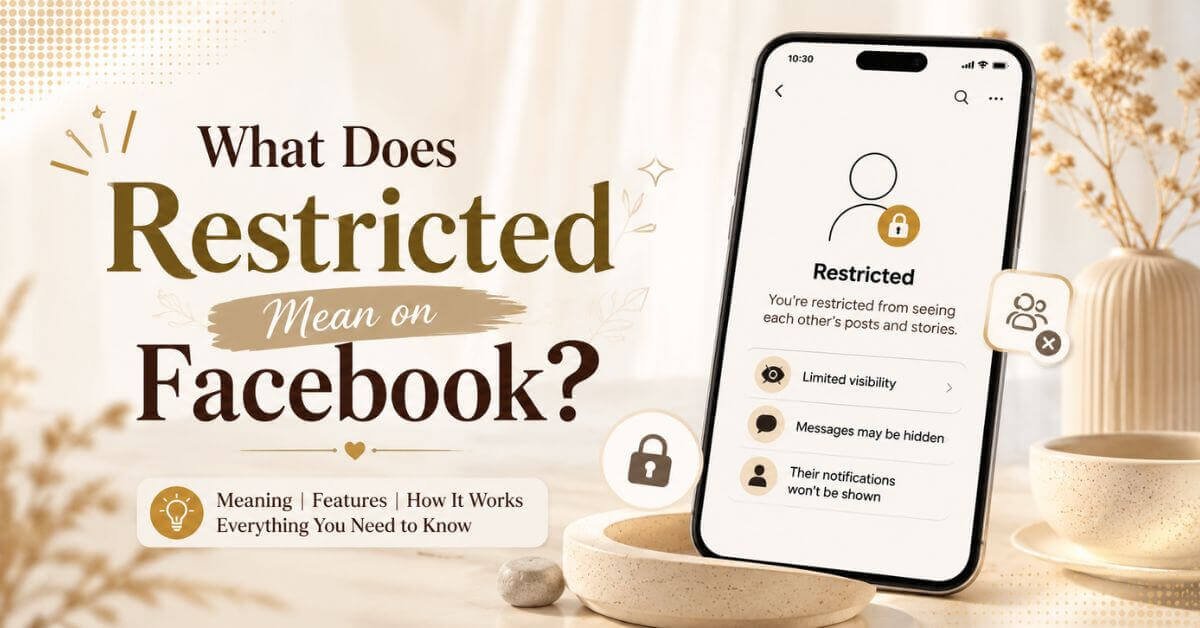
What does restricted mean on Facebook? Discover the 20+ meanings, privacy effects, Restricted list, comparisons, account restrictions, and fixes.
What does restricted mean on Facebook? In simple words, it means you have moved a friend to a special list where they can only see your public posts, not your Friends-only posts. The person stays on your friends list, but their access to your content becomes limited.
This is different from a Facebook account restriction, which happens when Facebook itself limits your account for policy reasons. Many people confuse the two meanings, so it helps to understand both before deciding what applies to your situation.
In this guide, you will learn how the Restricted list works, what restricted friends can and cannot see, how to set it up, its pros and cons, and how it compares to blocking, unfollowing, and unfriending.
We will also cover Facebook account restrictions separately, since many people search both meanings together, along with common causes and simple ways to fix them.
What Restricted Means on Facebook
- Restricted on Facebook is a privacy setting, not a punishment for the other person.
- The Restricted list quietly limits what a specific friend can view on your profile.
- Being restricted on Facebook does not remove someone from your friends list.
- Restricted friends can usually only see posts you share publicly.
- Friends-only posts, photos, and updates stay hidden from a restricted friend.
- This feature is mainly a privacy and visibility control, not a blocking tool.
- A common example is restricting a coworker you don’t want seeing personal updates.
What Happens When You Restrict Someone
- A person restricted on Facebook remains your friend with no visible change to them.
- Public posts stay visible to them exactly as before.
- Friends-only posts and stories are no longer available to them.
- They can still visit your profile and see whatever is public.
- Messenger conversations usually continue without any interruption.
- Future posts follow whatever audience you choose, so restriction alone doesn’t hide everything.
- Being restricted on Facebook works as a quieter, softer alternative to blocking.
Restricted List and Privacy Settings
- The Restricted list works alongside your regular Facebook privacy settings.
- Public audience posts remain visible to everyone, including restricted friends.
- Friends audience posts are hidden from anyone on the Restricted list.
- Story privacy is separate, so check your story audience too.
- Restricted on Facebook doesn’t automatically make every old post private.
- Combining audience settings with the Restricted list gives you the strongest control.
How to Restrict Someone on Facebook
- Open the person’s profile on the app or website.
- Tap or click the Friends button on their profile.
- Select Edit Friend List from the options shown.
- Choose Restricted to add them to the list.
- To reverse it, repeat the steps and uncheck Restricted.
- Removing someone from Restricted doesn’t change other privacy settings automatically.
Reasons to Use the Restricted List
- Keeping coworkers away from personal or casual posts.
- Limiting visibility for acquaintances you don’t fully trust.
- Protecting family privacy from distant or nosy relatives.
- Staying connected with someone without sharing everything you post.
- Avoiding awkward conversations that blocking might cause.
- Setting boundaries while keeping the friendship technically intact.
Advantages and Disadvantages of Restricting Someone
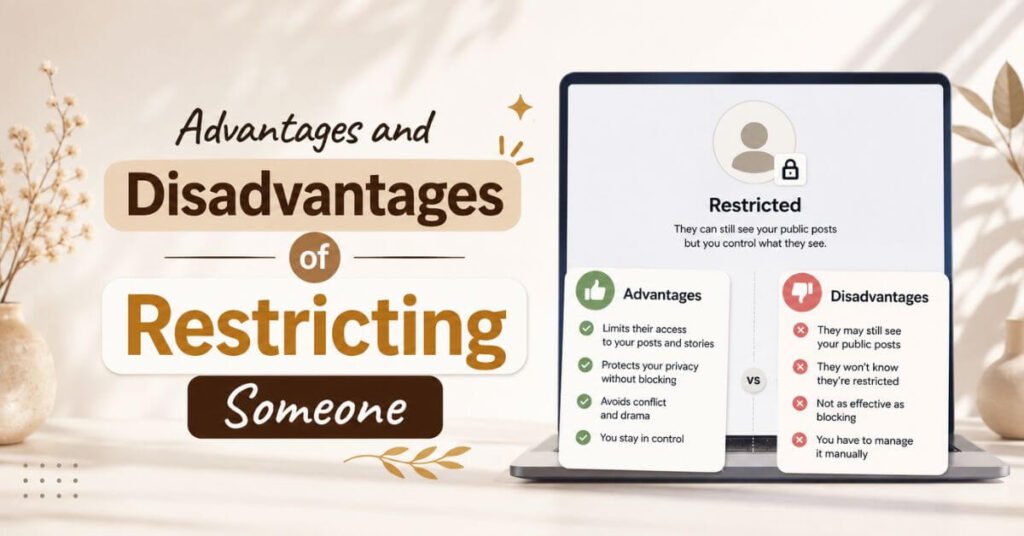
Advantages
- Keeps the person on your friends list without conflict.
- Offers a discreet way to manage privacy.
- Doesn’t trigger any notification to the restricted friend.
- Blocks access to Friends-only content effectively.
- Doesn’t fully end communication or interaction.
- Easy to undo whenever you change your mind.
- Helps maintain healthy social boundaries.
Disadvantages
- Public posts remain visible regardless of restriction.
- It doesn’t fully prevent interaction or comments.
- It’s not a substitute for a full block.
- You still need to manage individual post audiences.
- Publicly shared details can remain accessible to them.
- Not strong enough for serious privacy or safety concerns.
- Can feel confusing if you don’t understand audience settings.
Restricted vs Blocked, Unfollowed, and Unfriended
| Facebook option | Main purpose | Friendship status | Content visibility | Communication |
| Restricted | Limit private content | Remains friends | Public content generally remains visible | Still possible |
| Blocked | Stop access and contact | Connection removed | Profile/content inaccessible | Prevented |
| Unfollowed | Stop seeing their posts | Remains friends | Their access to your content stays unchanged | Still possible |
| Unfriended | Remove the friendship | Friendship removed | Public content may remain visible | Depends on settings |
- Restricted on Facebook limits what they see, not what you see.
- Blocking removes all access and stops communication entirely.
- Unfollowing only changes your feed, not their access to your content.
- Unfriending removes the connection, but public content can still show up.
- Choose Restricted when you want quiet privacy without drama.
- Being restricted on Facebook is usually the middle-ground choice between doing nothing and blocking.
Facebook Account Restrictions Explained
- A Facebook account restriction is different from restricting a friend on your list.
- This happens when Facebook itself limits features on your account.
- Restrictions can include posting limits, commenting limits, or messaging limits.
- Some accounts get temporarily locked or disabled entirely.
- Facebook applies these restrictions for policy enforcement reasons.
- You can check your Account Status page for restriction details.
- Being restricted on Facebook by a friend has nothing to do with a Facebook account restriction.
Common Reasons for Facebook Account Restrictions
- Violating Facebook’s Community Standards, including hate speech or harassment.
- Posting threatening, violent, or graphic content.
- Sharing nudity or other prohibited material.
- Sending spam or repetitive unwanted messages.
- Showing suspicious or unusual login activity.
- Running a hacked, compromised, or fake account.
- Impersonating another person or misrepresenting your identity.
- Infringing on copyright or trademark rights.
- Sharing someone’s private information without consent.
- Using artificial engagement or unauthorized automation tools.
- Severity and duration always depend on the specific violation.
Ways to Remove a Facebook Account Restriction
- Check your Account Status page first to see the reason.
- Review the flagged post, comment, or activity closely.
- Correct or remove the content if it violated a policy.
- Use the Request Review option whenever Facebook offers it.
- Submit an honest appeal with accurate supporting information.
- Secure your account by changing your password if it was hacked.
- Turn on two-factor authentication for extra protection.
- Report technical glitches separately from policy-related appeals.
- Some restrictions expire automatically after a set time.
- Avoid websites that promise instant restriction removal for a fee.
People can still message you, so understanding common texting symbols can help you interpret the tone behind those conversations. For example, you can learn more about the heart hands emoji meaning when you see 🫶 in a Facebook message.
Preventing Future Facebook Restrictions
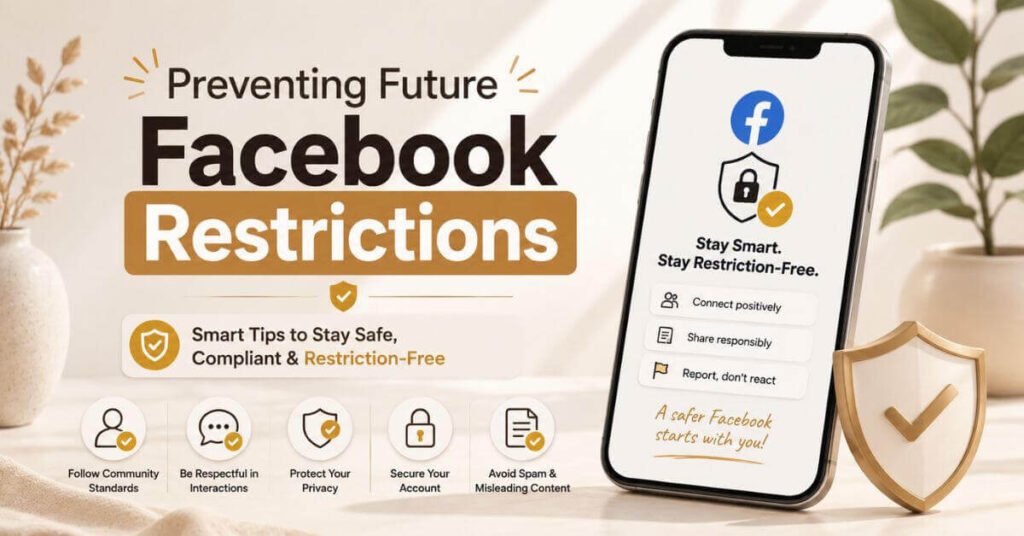
- Follow Facebook’s Community Standards consistently.
- Avoid spammy posting or messaging behavior.
- Don’t send excessive or random friend requests.
- Keep your account information honest and accurate.
- Respect copyright and trademark rules when sharing content.
- Never share someone’s private details without their permission.
- Avoid artificial engagement tools or bot-like automation.
- Enable two-factor authentication to secure your account.
- Review Facebook’s policies before posting sensitive content.
My Experience with Facebook Restricted List
I started using the Restricted list after adding a few coworkers on Facebook. I didn’t want to unfriend them, but I also didn’t want them seeing my personal posts. Restricting them felt like the perfect middle ground. They never noticed anything changed, and our work relationship stayed normal. I’d recommend it to anyone who wants privacy without the discomfort of blocking someone they still see in real life.
If you’re trying to understand short expressions in those conversations, knowing terms like IMO can make Facebook messages easier to interpret. You can also learn more about IMO meaning in text and how people commonly use it online.
Frequently Asked Questions About Facebook Restrictions
What Does Restricted Mean on Facebook?
Restricted on Facebook means a friend can only see your public posts, not your Friends-only content. They stay on your friends list, but their access becomes limited.
Can Someone Tell If You Restrict Them on Facebook?
No, Facebook does not send any notification when you restrict someone. It’s a private setting only visible to you.
Can Restricted Friends See Your Posts?
Restricted friends can see posts shared publicly, but they cannot view posts set to Friends only.
How Are Restricted and Blocked Different?
Restricted limits content visibility while keeping the friendship, while blocking removes access completely and stops all communication.
Why Is My Facebook Account Restricted?
Common causes include policy violations, spam activity, suspicious logins, hacked accounts, or misleading behavior on the platform.
Conclusion
So, what does restricted mean on Facebook? It means you’ve limited what a friend can see while keeping them on your friends list. Restricted friends only see your public posts, and Friends-only content stays hidden, all without any notification being sent. This is completely separate from a Facebook account restriction, which happens for policy reasons. Pick the option that matches your comfort level, and adjust it anytime.