
Repost Meaning On Instagram: 30+ Powerful Tips, Rules & Hidden Truths
Repost Meaning on Instagram explained: learn how reposts work, sharing methods, credit, copyright, benefits, risks, and smart reposting tips.
Repost Meaning on Instagram refers to sharing eligible public Instagram posts or Reels through Instagram’s repost feature. It lets you share content you enjoy while keeping the original poster connected to the post.
Instagram introduced native reposts in 2025 for public Reels and feed posts. Reposts can appear in a separate section of your profile and may be recommended to your friends and followers.
Repost Meaning on Instagram
- The Repost Meaning on Instagram is simply the act of sharing another user’s eligible public post or Reel with your own Instagram audience.
- Instagram’s repost feature is different from downloading someone’s content and uploading it yourself.
- Native reposts keep credit connected to the original creator, which makes attribution clearer.
- Reposts can help with content discovery, especially when useful or entertaining posts reach people who don’t already follow the original account.
Takeaway: A repost is mainly a way to share existing content while keeping its connection to the original poster.
How Instagram Reposts Work
- Instagram allows users to repost eligible public feed posts and Instagram Reels through the built-in repost option.
- Your reposts can also appear in a separate tab on your profile, making them different from temporary Story shares.
- The original poster remains credited, which helps viewers identify where the content came from.
- Reposts can therefore support audience reach without requiring you to manually copy another creator’s work.
Tip: Use Instagram’s built-in sharing mechanics whenever possible instead of downloading and re-uploading someone else’s content.
Instagram Repost vs Story Share
- A native repost shares eligible content through Instagram’s repost system, while an Instagram Story share places content into your temporary Story.
- Story sharing works well for quick reactions, recommendations, announcements, and conversations with followers.
- Reposts can be more useful for ongoing content sharing because they remain associated with your profile.
- Both options can help support an original content creator, but they aren’t identical sharing methods.
| Feature | Repost | Story Share |
| Content | Public posts and Reels | Eligible Instagram content |
| Visibility | Dedicated repost area | Story |
| Duration | Available through repost section | Temporary |
| Creator credit | Original poster credited | Original account remains linked |
| Best for | Content discovery | Quick sharing and reactions |
Takeaway: Choose a repost for longer-term sharing and a Story when you want a temporary update.
How to Repost on Instagram
- Find a public post or Reel you want to share.
- Tap the repost icon when the option is available.
- Add a note if you want to provide context or your personal reaction.
- Confirm the repost so Instagram can place it in your repost area.
- The repost may also be recommended to your friends and followers.
Tip: Before reposting, check whether the content genuinely fits your audience instead of sharing every trending post you see.
How to Share Posts to Stories
- Open the Instagram post or Reel you want to share.
- Tap Instagram’s sharing option and select the option to add it to your Story when available.
- Add text, stickers, GIFs, mentions, or other elements when they improve the message.
- Story sharing is useful for audience interaction because followers can react or reply directly.
- Unlike a permanent feed post, a Story is designed as temporary content.
Takeaway: Use Stories when you want quick Story sharing rather than adding content to your repost collection.
Positive and Negative Repost Meanings
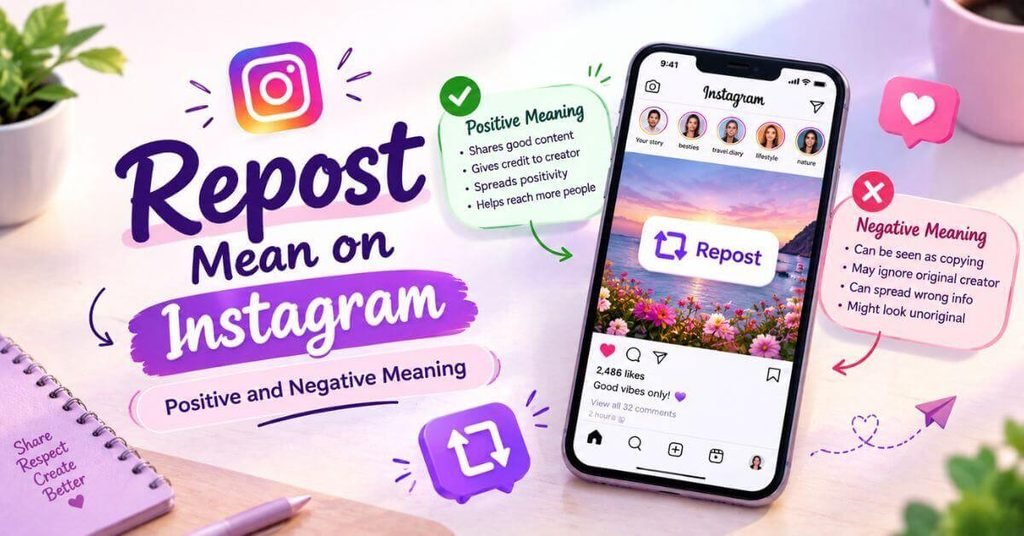
- A positive repost meaning on Instagram can show appreciation, agreement, inspiration, humor, or support for another creator.
- Someone may repost motivational content because it reflects their personality or beliefs.
- A repost can also have a negative meaning when it’s used to criticize, mock, disagree with, or indirectly respond to someone.
- Context matters because the same post can look supportive to one viewer and sarcastic to another.
- Adding a short note can make your intention clearer and reduce unnecessary misunderstandings.
Tip: If the meaning of your repost isn’t obvious, add context instead of expecting followers to guess your intention.
Why People Repost on Instagram
- People repost memes, inspirational quotes, educational posts, viral content, news-related material, travel ideas, and relatable content.
- Creators can use reposts to support other accounts and encourage community engagement.
- Brands may share customer photos or videos as user-generated content when they have appropriate permission.
- Businesses can use approved customer content to build social proof, trust, and brand awareness.
Takeaway: The most useful reposts have a clear reason behind them and offer something relevant to the audience.
Best Reposting Practices
- Give proper credit whenever you manually share someone else’s work.
- Tag the original creator so viewers can easily identify the source.
- Ask for permission before downloading and republishing original photos, videos, artwork, or other copyrighted material.
- Keep watermarks, usernames, signatures, and other forms of visible attribution intact.
Tip: Treat every creator’s post as their creative property, even when the account is publicly visible.
Reposting Mistakes to Avoid
- Don’t assume that a public Instagram account means every piece of content can be freely copied.
- Avoid downloading content and uploading it as your own without appropriate permission.
- Don’t use another person’s content for advertising or commercial use without understanding the relevant rights.
- Avoid reposting controversial content without checking its original context first.
Takeaway: Responsible reposting protects both the creator’s work and your own account reputation.
Reposting, Copyright, and Permissions
- Copyright can protect original photographs, videos, artwork, graphics, and other creative works posted on Instagram.
- Fair use may apply in some U.S. situations, but it depends on the specific circumstances and isn’t automatic permission to repost.
- A creator may request content removal or submit a copyright complaint when their work is used without authorization.
- If you’re using content for a business, campaign, advertisement, or partnership, obtain appropriate creator permission before publishing.
Tip: When you’re unsure about content ownership, asking the creator first is safer than assuming permission.
Reposts, Likes, and Engagement
- A like shows appreciation, while a repost actively shares content with your audience.
- For creators, reposts may help increase audience reach beyond their existing followers.
- For brands, approved customer reposts can support brand awareness and community relationships.
- Reposting should complement your original content rather than replace your own creative work.
Takeaway: Think of reposting as one part of your engagement strategy, not a shortcut to building an entire Instagram presence.
Instagram Reposting Strategy
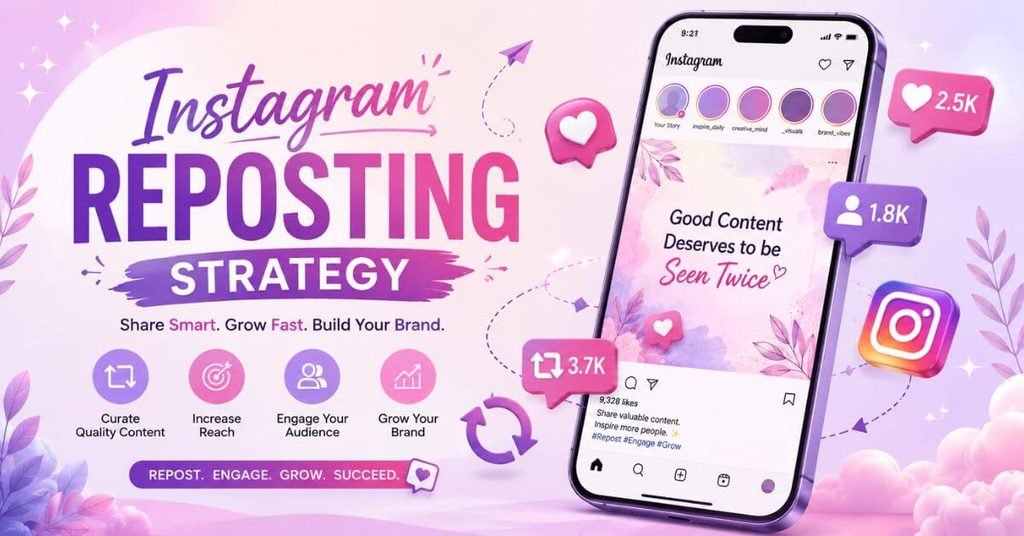
- Mix reposts with original posts so your Instagram grid and profile still have a recognizable identity.
- Use approved customer photos and videos to showcase user-generated content when they fit your brand.
- Add meaningful commentary when appropriate because context can make a shared post more useful.
- Review which reposts generate genuine audience interaction rather than focusing only on views.
Tip: A strong reposting strategy should support your wider content strategy, not make your profile look dependent on other people’s work.
Reposting on Instagram vs Other Platforms
- Instagram now has a native repost system for public Reels and feed posts.
- X uses reposting as a major part of its content-sharing system.
- Facebook commonly uses its Share function to distribute posts to another audience.
- Each social media platform handles attribution, visibility, and sharing differently.
Takeaway: Don’t assume that reposting works the same way across Instagram, TikTok, Facebook, and X.
When people repost content, they may also interact through comments, DMs, tags, and other short messages. If you’re unfamiliar with common profile-picture terminology, you can also learn the DP Meaning on WhatsApp and understand what “DP” means when someone mentions it in a conversation.
Instagram Repost Checklist
- Check whether the post or Reel is eligible for Instagram’s native repost feature.
- Look at the original poster before sharing content with your followers.
- If you’re manually copying content, ask for permission before publishing it.
- Make sure the content fits your audience and doesn’t misrepresent the original creator.
Tip: Before you repost, ask yourself whether you’re supporting the creator or simply copying their work.
My Experience
From my experience researching and comparing Instagram sharing methods, many users confuse a repost with a Story share or manual upload. The difference becomes much clearer once you understand Instagram’s built-in repost feature and how creator credit works. I also noticed that responsible sharing matters just as much as visibility. A quick repost can spread useful content, but careless copying can create misunderstandings or copyright concerns. For me, the simplest approach is to use Instagram’s native tools whenever possible and respect the creator.
Instagram users also use short text expressions when discussing shared content. For example, TTM can appear in casual messages or comments, so understanding the TTM Meaning in Text can help you interpret these conversations more clearly.
Frequently Asked Questions
What does Repost Meaning on Instagram mean?
Repost Meaning on Instagram refers to sharing eligible public Instagram posts or Reels through Instagram’s repost feature. The original poster remains credited.
Is reposting the same as sharing a Story?
No. Reposting and sharing an Instagram Story are different features. Reposts have their own profile area, while Stories are temporary.
Can I repost someone else’s Instagram post?
You can use Instagram’s native repost feature for eligible public posts and Reels. Manual downloading and uploading is different and may require creator permission.
Can I repost from a private account?
You should respect a private Instagram account and its privacy settings. Don’t copy or republish private content without clear permission.
Should I remove a watermark before reposting?
No. Removing a watermark can hide the creator’s attribution and may violate the creator’s expectations or rights.
Conclusion
Understanding Repost Meaning on Instagram makes Instagram’s sharing features much easier to navigate. A native repost lets you share eligible public posts and Reels while keeping the original poster connected to the content.
However, responsible reposting still requires good judgment, proper attribution, and respect for creator rights. Whether you’re sharing a funny Reel, useful post, or customer content, think about why you’re sharing it first. When you balance reposts with original content, your Instagram presence can remain useful, authentic, and engaging.
One Comment